Membership is by invitation only. Once accepted, you will get a “Welcome to CoworkQC!” This is your onboarding email to get you set up with the new system.
Here are the steps to get you set up on the new system:
- Open Welcome to CoworkQC email

- Click on the “Complete Your Onboarding”
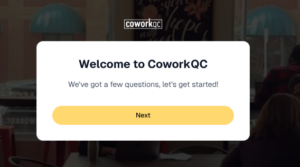
- Click “Next” to add your information
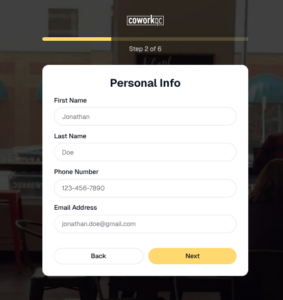
- Fill out your First/Last name, Phone (cell preferred), email, THEN click “Next”
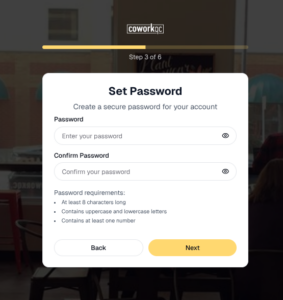
- Enter password and confirm password, THEN click “Next”
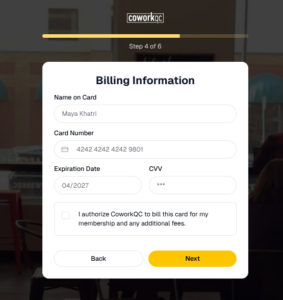
- Enter your billing information, Select authorze button, THEN click “Next” (look below for more information about billing)
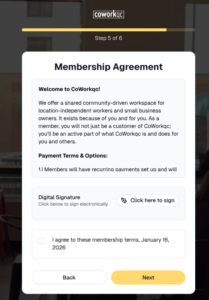
- Read over the Membership Agreement and digitally sign it, select that you agree with the agreement terms, THEN click “Next”
- You’re done! Click “Finish,” THEN you can log in to your new account